
Integrations
Auvik
Auvik’s API unlocks powerful integration opportunities for MSPs looking to streamline network management and improve client visibility:
Automated device inventory: Sync detailed asset data across your PSA or internal systems.
Configuration history: Track and compare device configurations for compliance and rollback support.
Real-time alerts: Feed triggered alerts directly into ticketing systems for instant action.
Lifecycle and warranty syncing: Surface critical asset age and support status in reports or client reviews.
Axcient
x360Cloud and x360Sync
MSPs can harness the Axcient x360Cloud and x360Sync APIs to automate critical workflows and unify backup visibility across their stack:
Automated Asset Discovery: Retrieve protected users, devices, and shared resources across M365, Google Workspace, and sync platforms to ensure full data coverage.
Real-Time Alerting: Capture backup failures or sync issues and push them into PSA or RMM systems for faster issue resolution.
Billing Automation: Extract license and usage data to automate accurate client invoicing and identify underutilized or unbilled services.
Operational Efficiency: Reduce manual monitoring and reconciliation by centralizing backup and sync insights into your core MSP workflows.
Client Accountability: Deliver clear reporting on protection coverage and incidents, enhancing transparency and trust.
Bigleaf
The Bigleaf API Empowers MSPs to enhance network management through automation in asset discovery, alerting, and billing processes. Key functionalities include:
Automated Asset Discovery: Retrieve detailed information on companies, sites, devices, and circuits to maintain an up-to-date inventory of network assets.
Real-Time Alerting: Monitor network performance metrics such as latency, jitter, and packet loss, and configure alerts to be sent via email or integrated into PSA systems for prompt issue resolution.
Billing Automation: Access usage statistics and performance data to streamline billing processes, ensuring accurate invoicing based on actual network utilization.
By integrating the Bigleaf API with existing MSP tools, service providers can achieve greater operational efficiency and deliver enhanced value to their clients.
bitwarden
The Bitwarden API offers MSPs a secure and flexible way to integrate password management into broader IT workflows.
Billing Automation: Access usage and license data programmatically to automate invoicing, track seat consumption, and simplify financial reconciliation.
Asset Discovery: Retrieve detailed information on users, collections, and shared credentials to enable large-scale vault audits and centralized credential management.
Real-Time Alerting: Leverage event log endpoints to capture access attempts, admin actions, and policy violations, integrating with SIEMs or PSA systems for immediate response.
These capabilities help MSPs enhance operational efficiency, enforce security policies, and deliver value-added password management services.
Cisco Business Dashboard
The Cisco Business Dashboard API offers MSPs a Robust platform to automate and streamline network management tasks. Key functionalities include:
Asset Discovery: Automatically retrieve detailed inventory information on networks, devices, and nodes, facilitating up-to-date asset management.
Alerting: Configure monitoring profiles to generate real-time notifications for device state changes or threshold breaches, which can be delivered via email, help desk tickets, or collaboration tools.
Billing Automation: Integrate with PSA tools like ConnectWise Manage to synchronize device inventory and licensing information, enabling accurate billing and streamlined financial operations.
By leveraging these capabilities, MSPs can enhance operational efficiency, ensure proactive network monitoring, and maintain accurate billing processes.
Policies
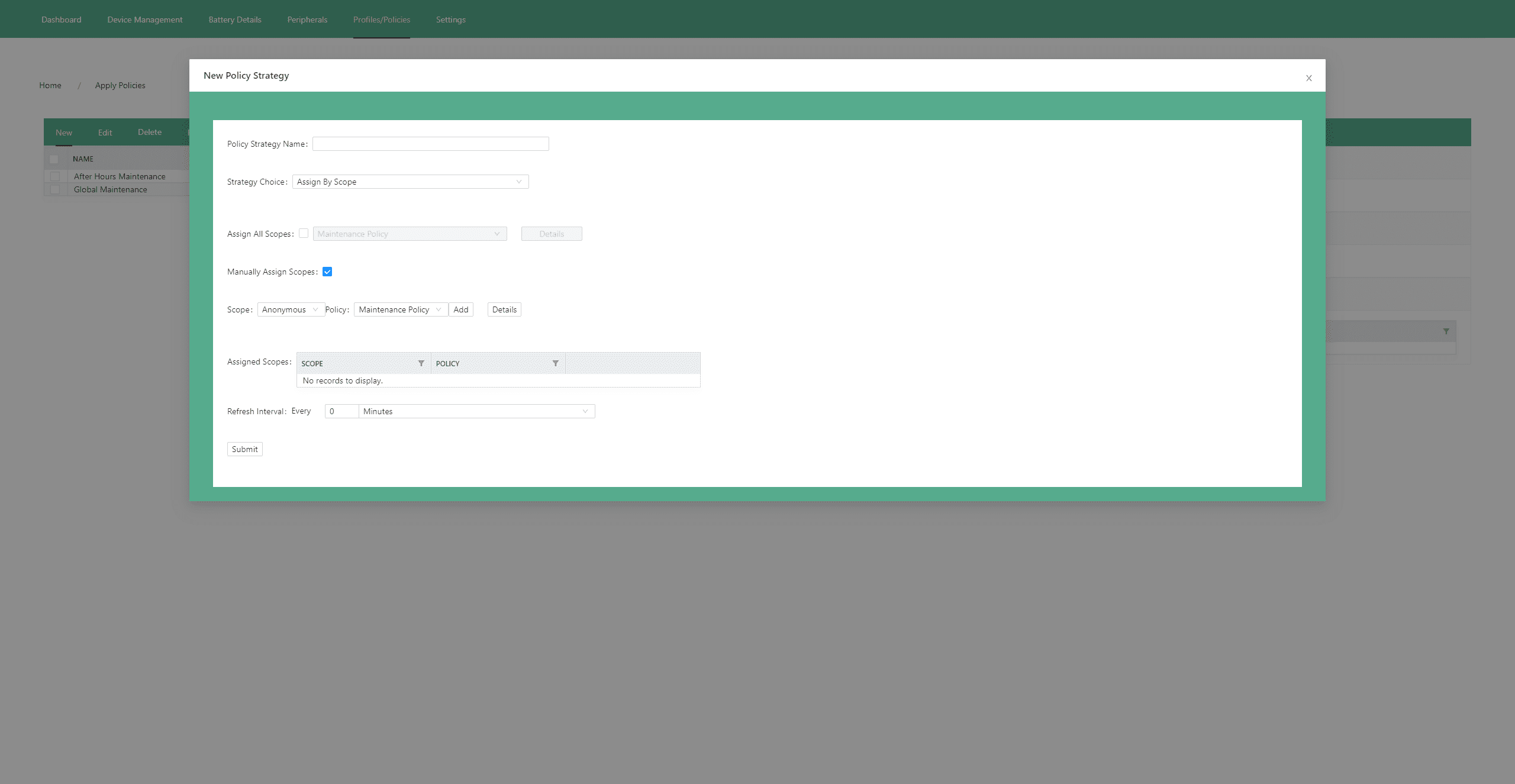
Policies are the best way to ensure that your systems are configured with the best practices and proper settings.
If you change one of these settings, go back and set it back to what the policy says so that it keeps your computers always configured with the best practice settings. This helps with consistency and saves time from a technical standpoint. It’s very transparent what the settings are for a system. You can also leverage technician time because you’re not spending manual hours configuring the settings. You get the highest production quality. The policy enforces the best setting every time.